指南
Spreadsheet Compare(Inquire):誰能用,誰不能用
已更新 2026年10月8日
快速回答
Spreadsheet Compare 是 Microsoft 的 Inquire 增益集:僅限 Windows,隨 Office Professional Plus 或 Microsoft 365 Apps for enterprise 綁定。它在那台電腦上比較值、公式和 VBA。當每個人都已有該 SKU 時使用它。當 Mac 使用者、稽核人員或客戶必須在不安裝 Office 的情況下打開同一份證據時,請使用視覺化網頁差異。
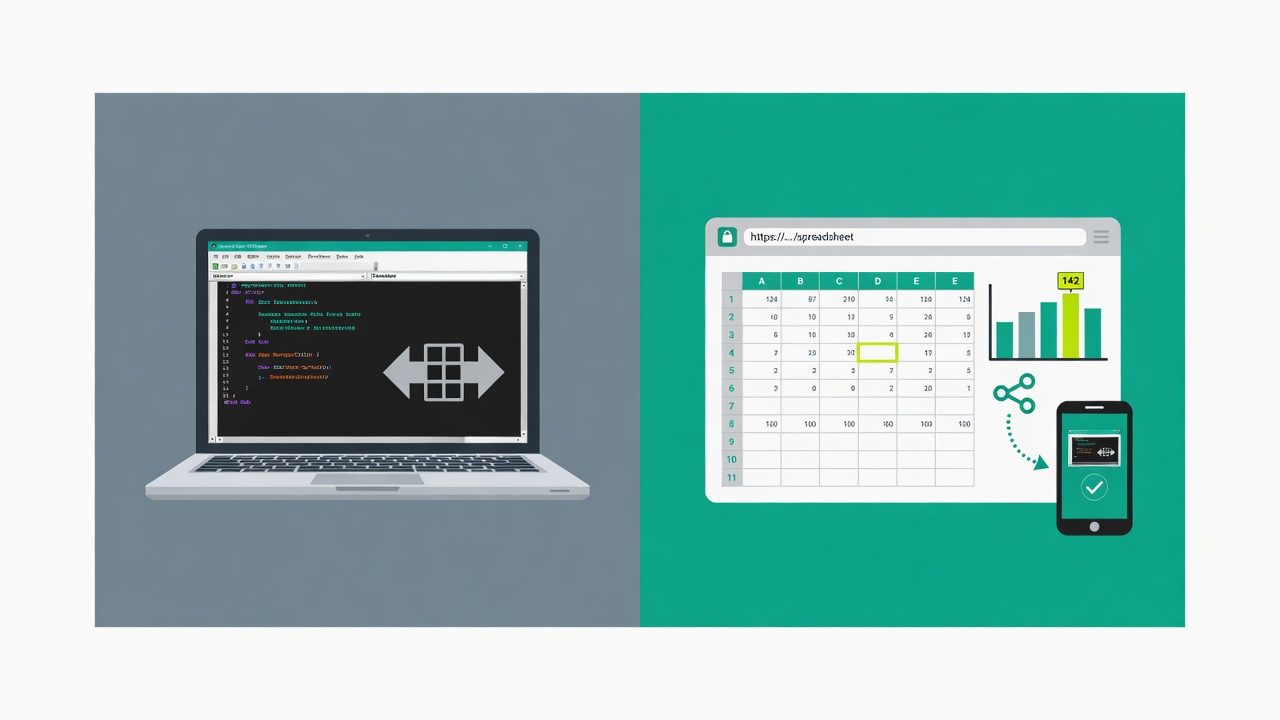
Spreadsheet Compare 到底是什麼
Spreadsheet Compare is Microsoft's desktop comparison tool. In current Office it is the Inquire COM add-in. You point it at two workbooks and get a categorized report: entered values, formulas, calculated values, formats, named ranges, and VBA. It is not hidden under Review → Compare on every Excel install — Microsoft lists it only for Microsoft 365 Apps for enterprise (and equivalent editions) and Office Professional Plus on Windows.
誰可以啟用
| SKU / 平台 | Spreadsheet Compare? |
|---|---|
| Office Professional Plus(Windows) | 是 |
| Microsoft 365 Apps for enterprise(Windows) | 是 |
| Other Microsoft 365 or Office plans (Windows) | Not listed by Microsoft — check COM Add-ins |
| Excel for Mac | 否 |
| Excel 網頁版 | 否 |
Microsoft lists it only for Microsoft 365 Apps for enterprise (and equivalent editions) and Office Professional Plus on Windows. If you don't see Inquire under COM Add-ins, your edition doesn't include it or IT has disabled it.
Microsoft 自己的文件:Inquire 是面向 Windows 的 COM 增益集,在 Excel for Mac 中不可用。以上功能說明來自截至 2026 年 9 月的公開 Microsoft 文件。
如何開啟(當你擁有該 SKU 時)
- 檔案 → 選項 → 增益集 → 管理: COM 增益集 → 移至 → 勾選 Inquire → 確定。
- 在 Inquire 索引標籤上選擇「比較檔案」,然後選取活頁簿 A 與 B。
- 或從 Windows 開始功能表啟動 Spreadsheet Compare(spreadsheetcompare.exe),然後瀏覽到這兩個檔案。
何時 Spreadsheet Compare 是更好的工具
- 你需要 VBA / 巨集差異。Excel Change Log 不比較 VBA。
- 每位審閱者都已有該 Windows SKU,並會在那台電腦上看結果。
- IT 禁止把活頁簿上傳到瀏覽器。留在本機。
何時視覺化網頁差異更合適
- Mac 使用者、客戶或稽核人員必須在沒有 Inquire 的情況下看到同一份證明。
- 你需要唯讀連結,而不是只能在那台機器上開啟的桌面報告。
- 該活頁簿是董事會資料:圖表、圖像和格式與儲存格文字同樣重要。
No Inquire on your plan or your Mac? See your alternatives →
Excel Change Log 在瀏覽器中比較 .xlsx 和 .csv,並可分享連結。它在 VBA、合併和 Git 上不如人。如果那才是你的工作,請繼續使用 Spreadsheet Compare、xlCompare 或 xltrail。