Guide
Spreadsheet Compare (Inquire): who gets it, and who does not
Updated October 8, 2026
Quick answer
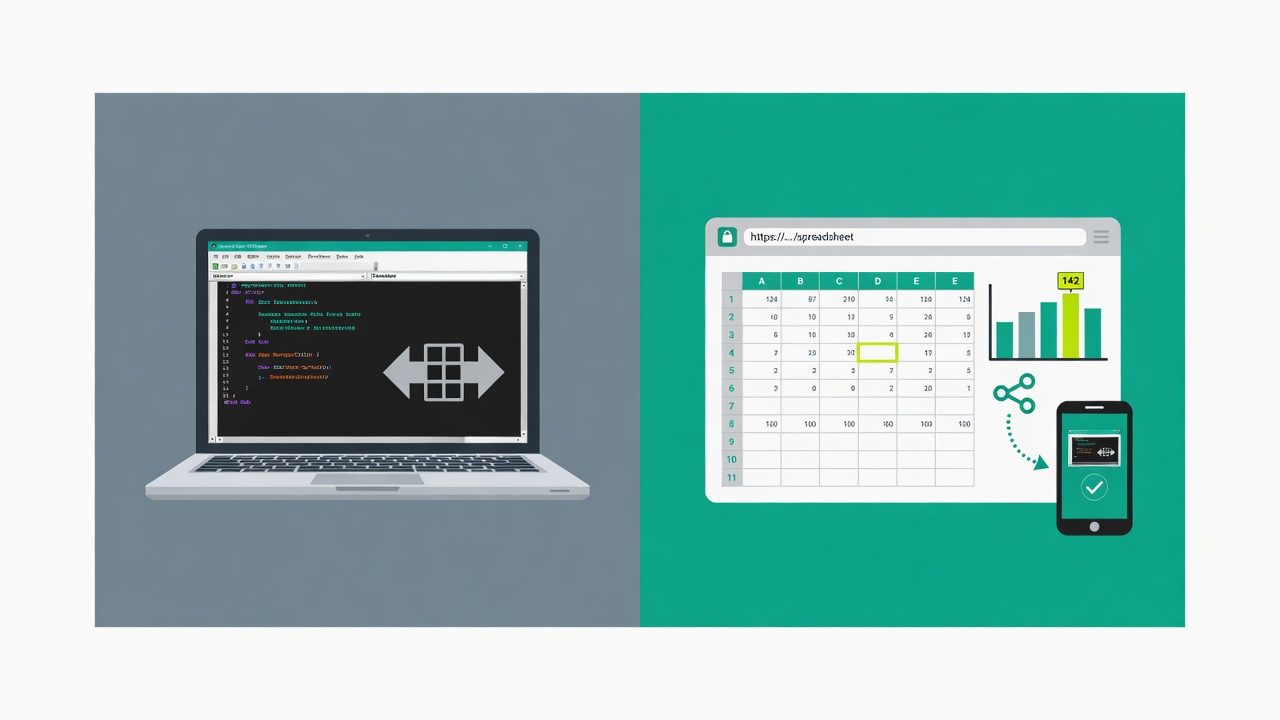
Spreadsheet Compare is Microsoft's Inquire add-in: Windows only, bundled with Office Professional Plus or Microsoft 365 Apps for enterprise. It diffs values, formulas, and VBA on that PC. Use it when everyone already has that SKU. Use a visual web diff when a Mac user, an auditor, or a client must open the same proof without installing Office.
What Spreadsheet Compare actually is
Spreadsheet Compare is Microsoft's desktop comparison tool. In current Office it is the Inquire COM add-in. You point it at two workbooks and get a categorized report: entered values, formulas, calculated values, formats, named ranges, and VBA. It is not hidden under Review → Compare on every Excel install — Microsoft lists it only for Microsoft 365 Apps for enterprise (and equivalent editions) and Office Professional Plus on Windows.
Who can turn it on
| SKU / platform | Spreadsheet Compare? |
|---|---|
| Office Professional Plus (Windows) | Yes |
| Microsoft 365 Apps for enterprise (Windows) | Yes |
| Other Microsoft 365 or Office plans (Windows) | Not listed by Microsoft — check COM Add-ins |
| Excel for Mac | No |
| Excel for the web | No |
Microsoft lists it only for Microsoft 365 Apps for enterprise (and equivalent editions) and Office Professional Plus on Windows. If you don't see Inquire under COM Add-ins, your edition doesn't include it or IT has disabled it.
Microsoft's own docs: Inquire is a COM add-in for Windows, not available in Excel for Mac. Feature notes above are from public Microsoft documentation as of September 2026.
How to open it (when you have the SKU)
- File → Options → Add-ins → Manage: COM Add-ins → Go → check Inquire → OK.
- On the Inquire tab, choose Compare Files and pick workbook A and B.
- Or start Spreadsheet Compare from the Windows Start menu (spreadsheetcompare.exe) and browse to the two files.
When Spreadsheet Compare is the better tool
- You need VBA / macro diffs. Excel Change Log does not compare VBA.
- Every reviewer already has that Windows SKU and will look at the result on that PC.
- IT forbids uploading workbooks to a browser. Stay local.
When a visual web diff is the better job
- A Mac user, a client, or an auditor must see the same proof without Inquire.
- You need a read-only link instead of a desktop report that only opens on that machine.
- The workbook is a board pack: charts, images, and formatting matter as much as cell text.
No Inquire on your plan or your Mac? See your alternatives →
Excel Change Log compares .xlsx and .csv in the browser and can share a link. It loses at VBA, merge, and Git. If those are the job, keep Spreadsheet Compare, xlCompare, or xltrail.