ガイド
Spreadsheet Compare(Inquire):使える人と使えない人
更新 2026年10月8日
クイック回答
Spreadsheet Compare は Microsoft の Inquire アドインです。Windows のみで、Office Professional Plus または Microsoft 365 Apps for enterprise に同梱されます。その PC 上で値、数式、VBA を差分します。全員がその SKU をすでに持っているときに使ってください。Mac ユーザー、監査人、クライアントが Office をインストールせずに同じ証拠を開く必要があるときは、ビジュアルな Web 差分を使ってください。
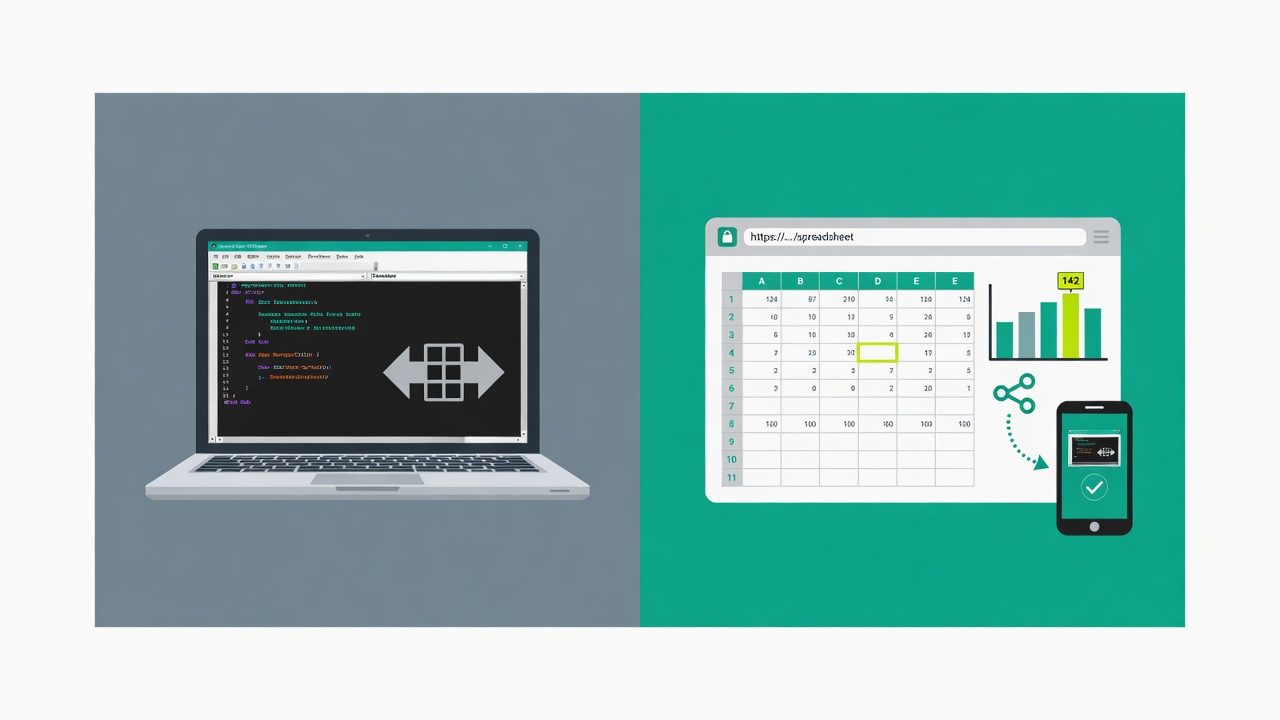
Spreadsheet Compare の正体
Spreadsheet Compare is Microsoft's desktop comparison tool. In current Office it is the Inquire COM add-in. You point it at two workbooks and get a categorized report: entered values, formulas, calculated values, formats, named ranges, and VBA. It is not hidden under Review → Compare on every Excel install — Microsoft lists it only for Microsoft 365 Apps for enterprise (and equivalent editions) and Office Professional Plus on Windows.
有効化できる人
| SKU / プラットフォーム | Spreadsheet Compare? |
|---|---|
| Office Professional Plus(Windows) | はい |
| Microsoft 365 Apps for enterprise(Windows) | はい |
| Other Microsoft 365 or Office plans (Windows) | Not listed by Microsoft — check COM Add-ins |
| Excel for Mac | いいえ |
| Web 版 Excel | いいえ |
Microsoft lists it only for Microsoft 365 Apps for enterprise (and equivalent editions) and Office Professional Plus on Windows. If you don't see Inquire under COM Add-ins, your edition doesn't include it or IT has disabled it.
Microsoft 自身のドキュメント:Inquire は Windows 向け COM アドインで、Excel for Mac では利用できません。上記の機能注記は、2026年9月時点の公開 Microsoft ドキュメントに基づきます。
開き方(SKU がある場合)
- ファイル → オプション → アドイン → 管理: COM アドイン → 実行 → Inquire をオン → OK。
- Inquire タブで「ファイルの比較」を選び、ブック A と B を指定します。
- または Windows のスタートメニューから Spreadsheet Compare を起動し(spreadsheetcompare.exe)、2つのファイルを選択します。
Spreadsheet Compare の方が適している場合
- VBA / マクロの差分が必要です。Excel Change Log は VBA を比較しません。
- レビュー担当者全員がその Windows SKU をすでに持っており、そのPCで結果を見ます。
- ITがブックのブラウザアップロードを禁止。ローカルのまま。
ビジュアルな Web 差分のほうが向いているとき
- Mac ユーザー、クライアント、監査人が Inquire なしで同じ証跡を見る必要があります。
- そのマシンでしか開けないデスクトップレポートではなく、読み取り専用リンクが必要。
- ブックは取締役会資料です。グラフ、画像、書式はセルのテキストと同じくらい重要です。
No Inquire on your plan or your Mac? See your alternatives →
Excel Change Log はブラウザで .xlsx と .csv を比較し、リンクを共有できます。VBA、マージ、Git では劣ります。それが仕事なら、Spreadsheet Compare、xlCompare、または xltrail を使い続けてください。