Feature
Which file is the real one? Stop guessing.
Updated August 31, 2026
Quick answer
Tired of budget_FINAL, budget_FINAL2, budget_USE_THIS in one email thread? Create a change log project, upload each version as it arrives, and open any diff with one click. You'll always know which file is latest and what changed since the last review.
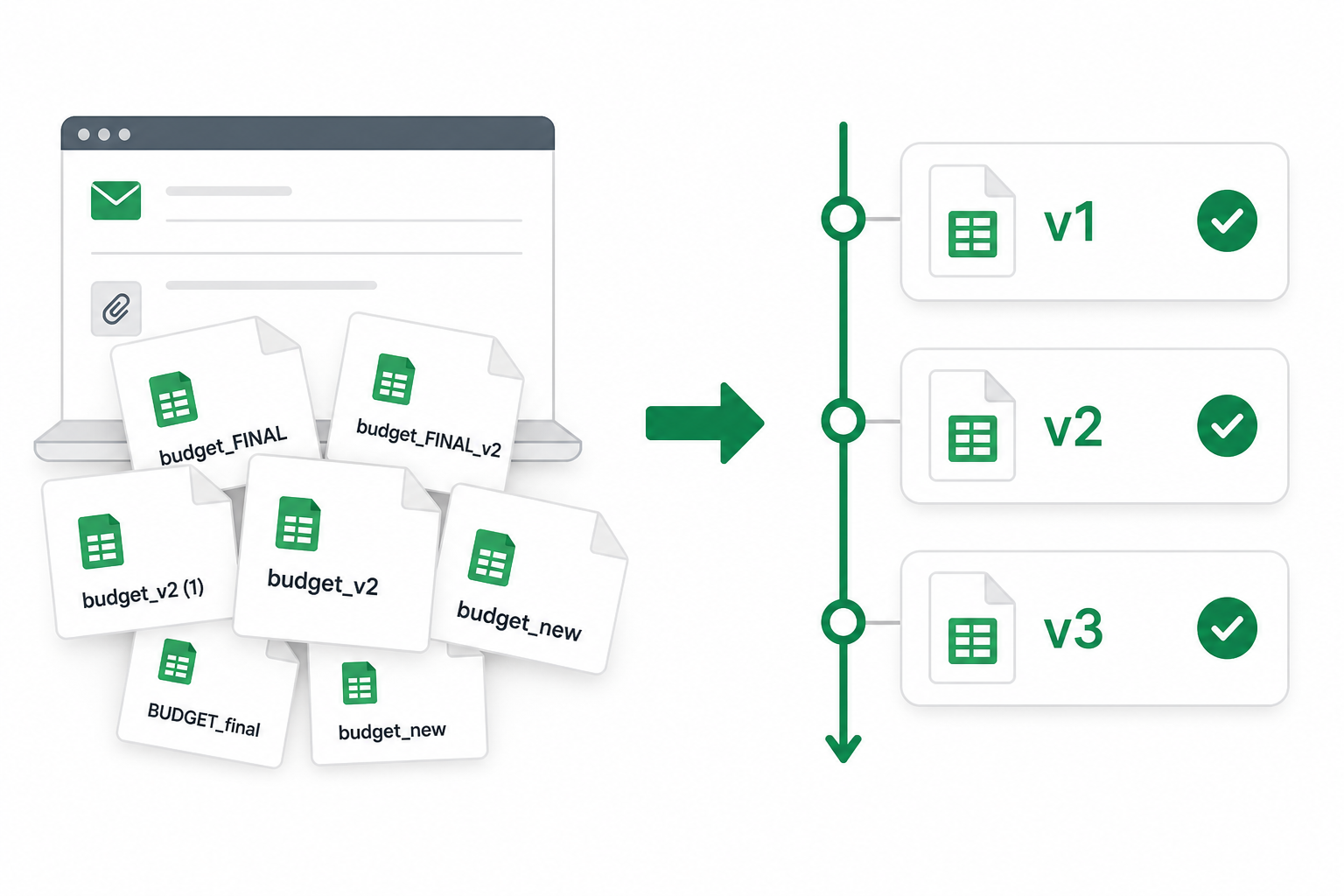
Sound familiar?
- budget_FINAL.xlsx, budget_FINAL2.xlsx, budget_v3_USE_THIS.xlsx — in one thread.
- Someone asks "what changed since Tuesday?" and you start digging through email.
- The same model gets updated every day during close week.
- You re-upload the same two files because you can't find last week's comparison.
One project. Every version. Always know what's latest.
Create a change log project for each recurring file — your budget, pricing model, close workbook. Upload each version as it lands. Open any diff in the chain with one click.
- Name it — "Q4 budget" or "Pricing model"
- Upload v1, then v2, then v3 as they're published
- Compare any two versions — what changed v1→v2? v2→v3?
- Come back next week — history is still there
Send a link. They don't need an account.
Your controller, auditor, or boss opens a read-only diff in their browser. No Excel install. No login. Paid plans add optional password protection if the file is sensitive.
Quick compare or ongoing project?
Two files, one-time check? Quick compare. Same file revised all week? Use a project — you'll thank yourself on Friday.