Guide
Compare two Excel files on a Mac
Updated September 2, 2026
Quick answer
Excel for Mac has no Spreadsheet Compare (Inquire) add-in. Upload the old .xlsx and the new .xlsx in a browser, review highlighted formulas and charts, and send a link. Nothing to install. Excel Change Log does not diff VBA or legacy .xls — use a Windows tool if that is the job.
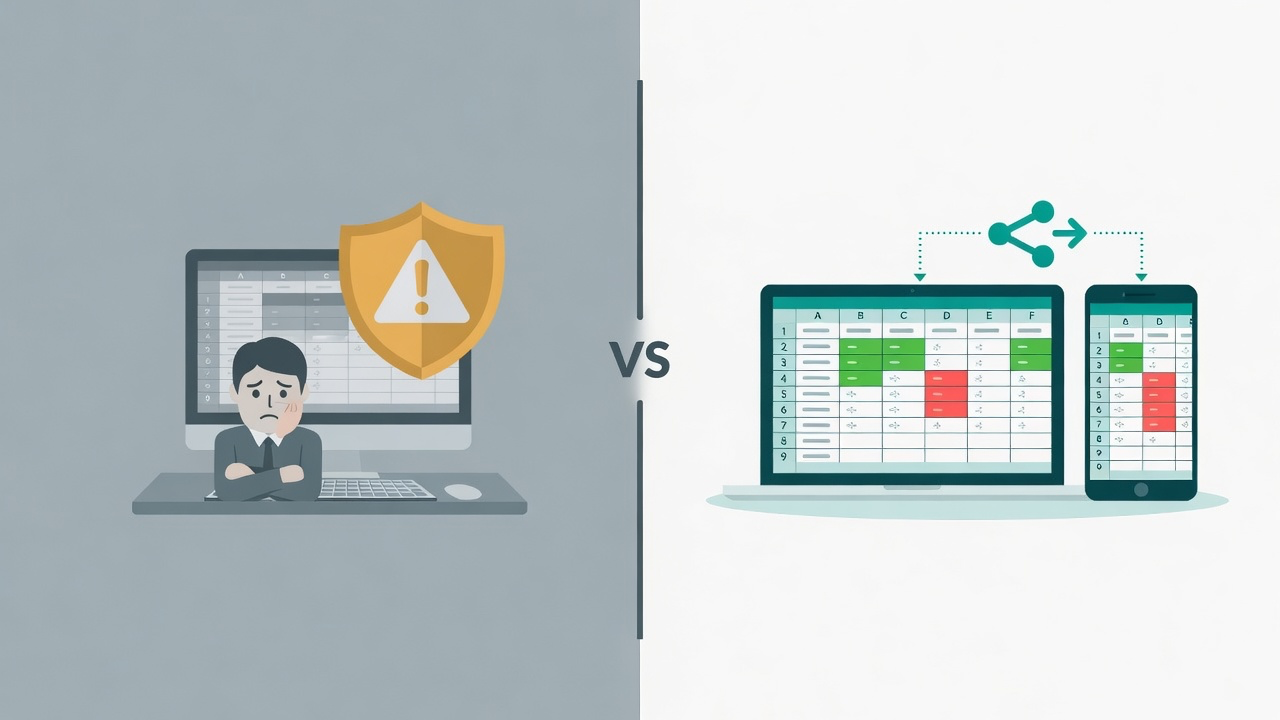
Why Mac users hit a wall
Microsoft Spreadsheet Compare is the Inquire COM add-in. It ships with Office Professional Plus or Microsoft 365 Apps for enterprise — on Windows. Excel for Mac has no Inquire tab and no spreadsheetcompare.exe. Conditional formatting or a second window only shows values you already have on screen.
1. Save both versions as .xlsx
Version A is the last approved file. Version B is the new draft. Excel Change Log compares .xlsx and .csv. It does not open Numbers, .xls, or ODS.
2. Open the browser demo
On the Mac, open the free demo in Safari or Chrome. No Windows VM, no Office add-in, no IT ticket.
3. Upload both files
Drop Version A and Version B. Matching sheet names pair automatically; renamed tabs can be mapped. Demo uploads cap at 1 MB; paid Weekly and Yearly plans include full product access.
4. Review formulas and charts, not just numbers
Click the change list. Formula edits, number formats, embedded charts, and added sheets show up in a grid that looks like Excel. That is the gap a value-only Mac workaround misses.
5. Share a read-only link
Send the comparison to whoever signs off. They open it on Mac or Windows without Excel and without an account.
When a Windows tool is still the right choice
If the job is VBA, merge, or Git for macros, stay on Windows: Spreadsheet Compare, xlCompare, Synkronizer, or xltrail. Excel Change Log does not diff VBA and does not merge workbooks. Read the named comparison if you are choosing among those tools.